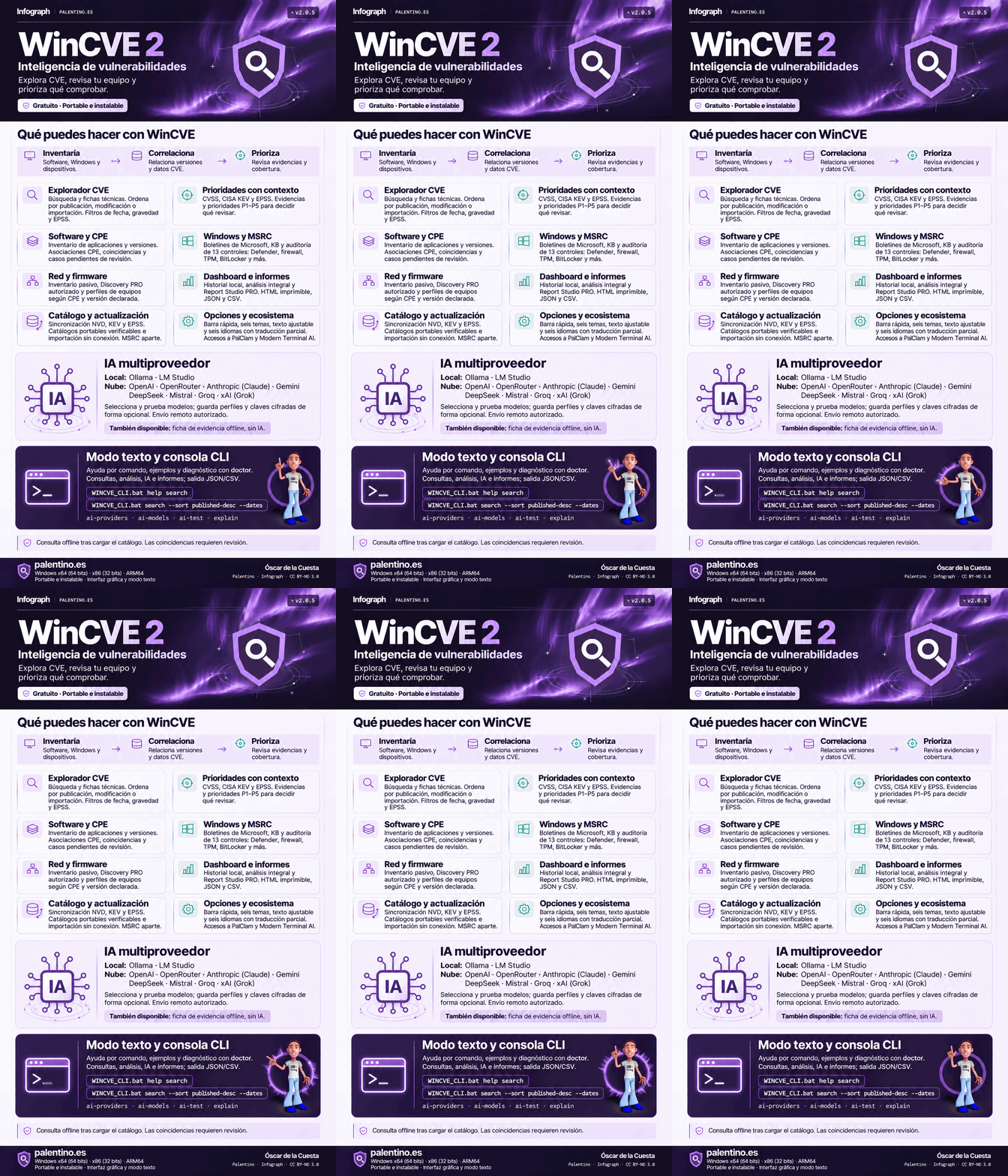
01 / CVE
Find what matters.
Search, filter and sort by dates, severity, CVSS and EPSS. Consult technical references from the explorer.
CVE Explorer
Vulnerability intelligence for Windows. Explore the CVE catalog, analyze your computer and prioritize with context. Graphical interface, text mode and optional AI assistance.
User manual · PDF (ES / EN) ↗Session data from 27 Nov 2026: 433,082 CVE records and 25/25 verified years. Not live metrics.
WinCVE brings multiple vulnerability intelligence perspectives into a native Windows application.
Search, filter and sort by dates, severity, CVSS and EPSS. Consult technical references from the explorer.
Connect technical severity, exploitation evidence and estimated probability. Not every CVE has the same urgency.
Consult downloaded records without a continuous connection and refresh sources when online.
Choose a module to explore its capabilities.
Consult identifiers, severity and publication, modification and local ingestion dates.
Sort records by CVSS and EPSS where available.
Use downloaded data without a continuous connection.
Refresh data and sources while online.
Identify records with known exploitation documented by CISA.
Consult severity, exploitation estimates and vendor references.
Configure compatible providers, profiles and models for deeper analysis.
External services may require API keys and charge fees. Verify outputs and protect confidential data.
Explore data in a native Windows application.
Use command-line tools in technical tasks. Consult the installed version’s help for actual syntax.
Software inventory, Windows and patches, read-only audit, network and firmware. CPE matches require review.
Analysis history and CSV/JSON export visible in the interface.
Six languages for main controls, themes and text scale. No first-party telemetry, as stated in the interface.
The graphical interface is not the only way to work. WinCVE includes a help center with 47 documented commands in version 2.0.5.
Open PowerShell in the folder containing WINCVE_CLI.bat. Copy a command and run it when needed.
To learn the exact arguments for a command, use help followed by its name. Examples do not execute from this website.
View application screenshots →.\WINCVE_CLI.bat versionCheck the installed version..\WINCVE_CLI.bat doctorRun a local diagnostic..\WINCVE_CLI.bat statusCheck the catalog status..\WINCVE_CLI.bat intel-statusCheck intelligence source status..\WINCVE_CLI.bat help searchRead the search command syntax..\WINCVE_CLI.bat commandsList available commands.Consult the original sources. Indicators have different meanings, and availability depends on data coverage.
Records, references and technical severity metrics.
Official source ↗Vulnerabilities with evidence of real-world exploitation.
Official source ↗Estimated probability of exploitation within the next 30 days.
Official source ↗Microsoft security advisories and information.
Official source ↗Explore five real screenshots of version 2.0.5. Choose a module and enlarge the image to inspect every detail. Original screenshots in Spanish.
Global catalog, intelligence sources and analysis history.
Play the original animated WinCVE presentation.
Download GIF · 6.55 MB120 frames · 948 × 1659 · original GIF
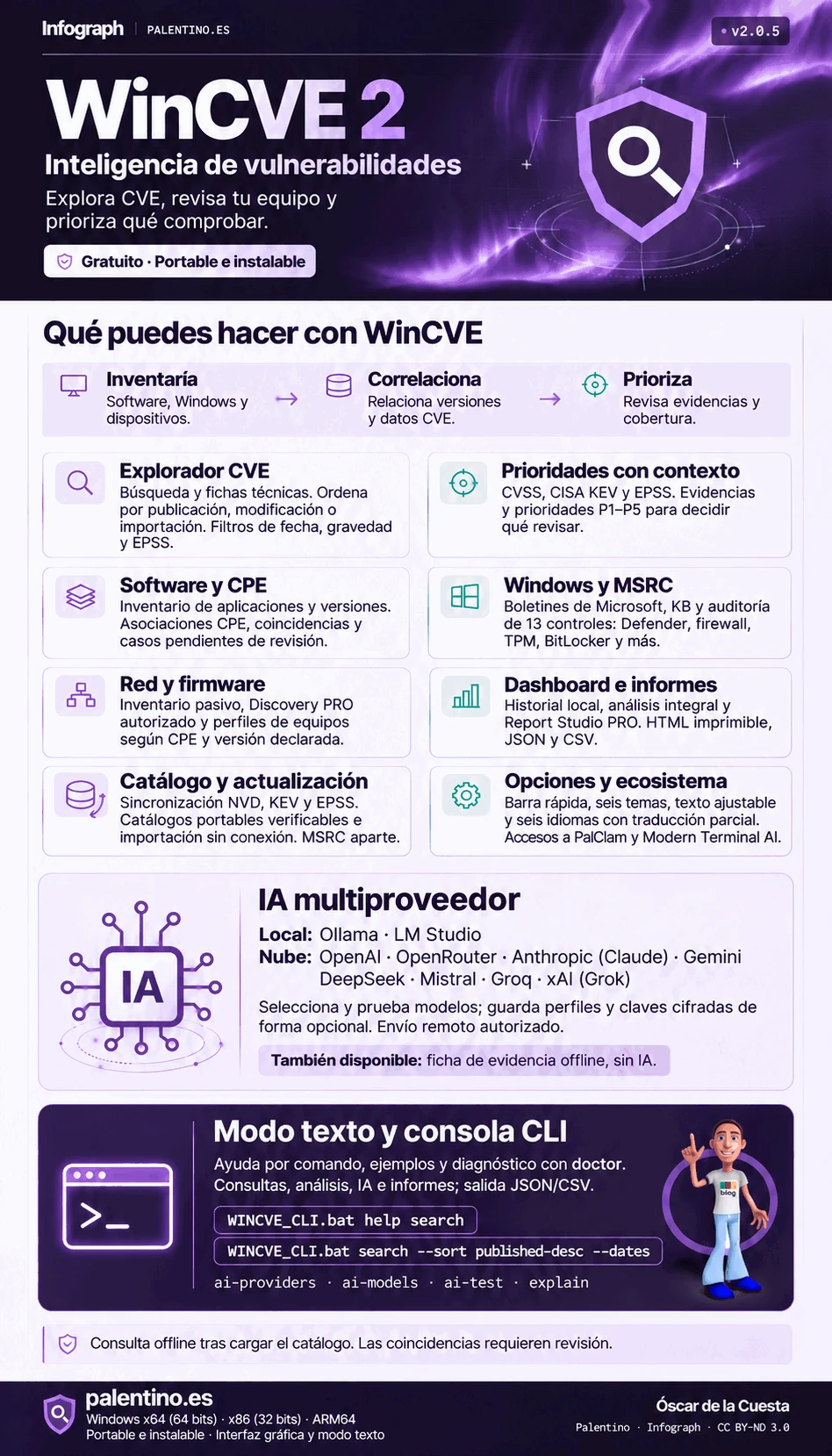
Screenshots from 27 November 2026. Values reflect that session, not live metrics.
Six distributions with the catalog included. Direct downloads from GitHub Releases.
Intel and AMD · usual choice
For compatible 32-bit Windows systems.
For ARM64 Windows devices.
Check your system type in Settings → System → About. For portable editions, extract the full ZIP to a writable folder.
SHA-256 digests published by GitHub for all six packages. Matching the digest checks file integrity, not safety by itself.
c442e1b14a4c5692044047cd5386584efea30636119dbf5aaed4f55b29be6d33254bd1d890b57da21babd75f3860156002bec039d10ebfee3cdc57e57507db822b01f8b382946eff1dfec29b747c67da0f0009a007ac6df89147bd033e303c0f9f9dd6d1e283c1d342a60fa184b2b11d9fd94cc31da58e57a98d095c8d5086c575ebab97ea6d3147f97a22e3d5cd7fd3a474df3951120881ceacf518e86f33df43226c997509d1c194e100eec3ccee3376b44976879dfb1f7d5b522f33999caeGet-FileHash -Algorithm SHA256 -Path ".\WinCVE-2.0.5-win-x64-con-catalogo-setup.exe"Example: open PowerShell in the download folder, change the filename if necessary and compare all 64 characters.
Trust Center ↗A straightforward workflow to get started.
Choose the architecture and format.
Run the installer or extract the full ZIP.
Consult the catalog and refresh sources when online.
Configure optional AI or use the CLI.
Yes. WinCVE is distributed free of charge. Package terms apply; free does not mean open source.
Not continuously for the local catalog. Updates and remote AI services require a connection.
A CVE in the catalog does not prove a device is affected. Check inventory, versions and official advisories.
No. It is optional; external providers may charge for API use.
WinCVE is a project by Oscar de la Cuesta Campillo, created at Palentino to bring vulnerability intelligence to the Windows desktop.